Photography
Tethered Shooting and File Discipline on Location
Practical protocols for powering, protecting, and organizing your capture station when shooting editorial outside the studio.
Words by XAVIE MAXIMUS Editorial · 19 September 2026
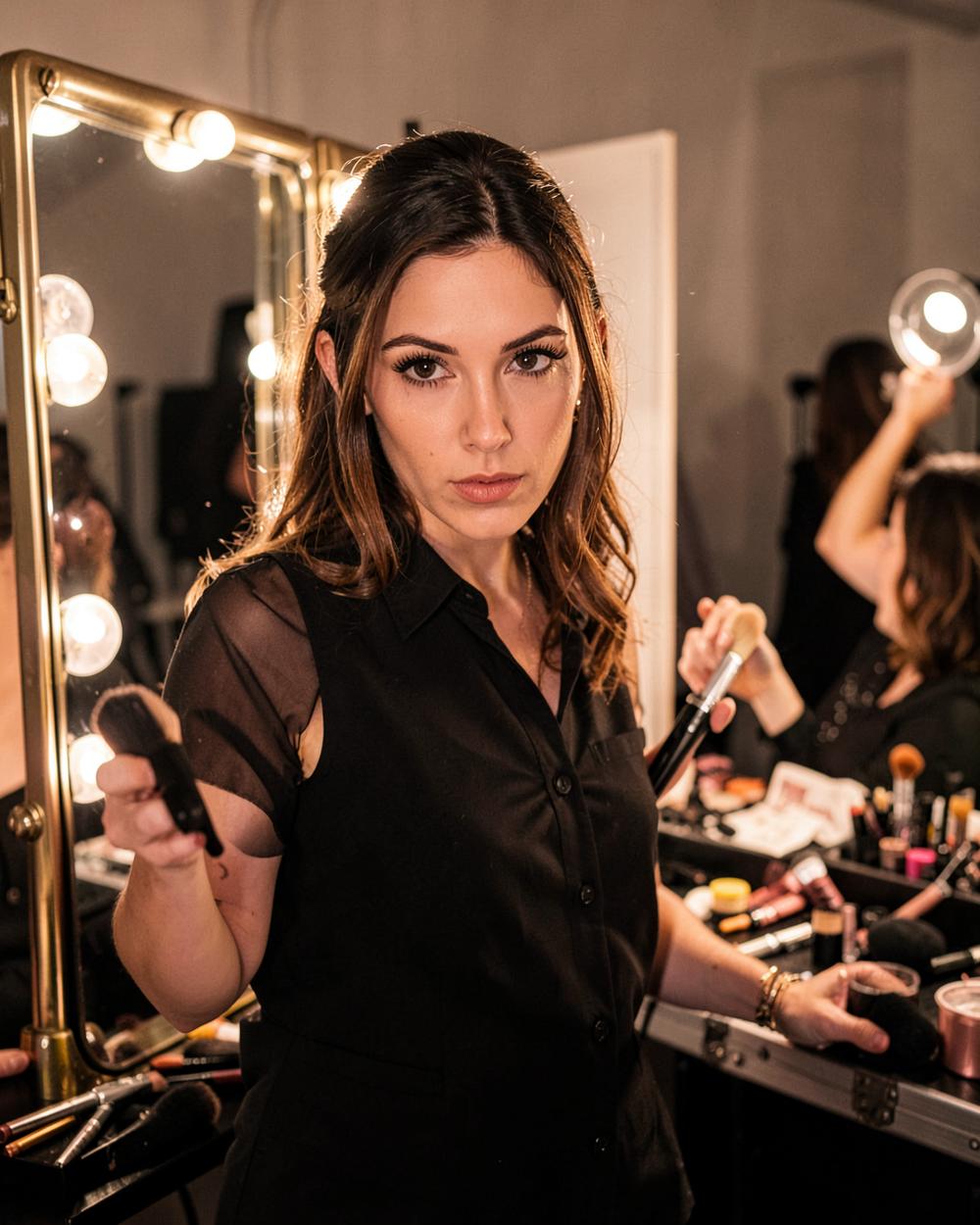
In a controlled studio space, tethered capture feels almost automatic. Rolling carts glide across level floors, wall outlets provide uninterrupted power, and ambient spill can be blocked with a single flag. Move that operation to a coastal bluff, an industrial warehouse with dead outlets, or an overcast rooftop, and tethering becomes one of the most volatile links in an editorial production. Yet shooting blind to an internal memory card while working with a complete creative crew is rarely acceptable on a modern set. The monitor is the team's shared reference point, where wardrobe stylists confirm drape, makeup artists spot shine, and the photographer gauges exposure under shifting natural light. Running a dependable location capture rig requires deliberate preparation long before the first frame is fired.
Discipline begins with session architecture established the evening prior. Creating empty folders named haphazardly on set leads to lost assets and chaotic handoffs. A robust file structure should mirror the production schedule outlined in How to Build an Editorial Call Sheet, organizing subfolders by look number, model name, and setup. Capture software should be set to automatically apply base metadata, copyright details, and sequential numbering that embeds the project title and look identifier into every raw capture. If an unexpected lighting change forces a relocation mid-shoot, an organized directory ensures that files do not bleed into the wrong segment of the day.
Hardware reliability on location depends on three physical vulnerabilities: power, cable security, and ambient viewing conditions. When working away from AC mains, never rely on a laptop battery alone. Heavy raw processing and constant display rendering exhaust internal laptop cells rapidly. External high-capacity batteries with regulated output must power both the computer and, when necessary, camera bodies via dummy batteries or power delivery ports. Cable strain relief is equally non-negotiable. An unprotected USB-C connector knocked by an assistant or caught on an apple box will ruin a camera port instantly. Heavy-duty cable clamps at the camera body and a secondary anchor at the laptop base prevent physical port damage and eliminate unexpected disconnects that corrupt files during write operations.
The tether station must serve the entire crew without turning into a bottleneck. Position the screen under a dedicated sun hood or inside a shaded utility tent, elevated so the stylist and creative director can view incoming frames without crowding the photographer's shooting axis. A quick glance at full-bleed crops allows the team to catch bunching fabric, visible undergarments, or misaligned hair before moving past a look. This collaborative feedback loop keeps the shoot moving at a crisp pace and ensures the resulting images match the high technical standards required for published Editorial stories.
File safety culminates in strict wrap protocol. The moment the photographer calls the final setup, the capture process transitions into asset preservation. Implement the rule of three before anyone leaves the location: the primary capture drive, an exact mirror backup on a dedicated solid-state drive, and a third copy stored on a separate storage unit carried in a different bag. Never format internal camera cards until the raw assets have been verified against the master catalog. For photographers submitting work to an ZMRL Open Call: Photographers for Editorial Features or building A Portfolio That Travels, technical rigor in file management is what allows creative vision to translate cleanly from the raw capture to the final print.
Related Stories
All editorial
Photography
In the Studio: The First XAVIE MAXIMUS Sitting
Our first in-house sitting: one set, one lens, and a credit list published in full.
Photography
A Portfolio That Travels
A portfolio is an argument, not an inventory. How to build one that survives a thirty-second look on a phone.
Beauty
Pacing Look Changes on an Editorial Shoot
How hair and makeup artists sequence look transitions to protect skin, preserve hair integrity, and keep production schedules moving.